Free QuickBooks-Style Invoice Template
A free, professional invoice template in the clean QuickBooks style, available as Word, Excel, PDF, Google Docs, or Google Sheets. Get the familiar QuickBooks look — itemized products/services, terms, and balance due — without a subscription. Fill it in, export to PDF, and keep the data ready to import into QuickBooks later if you upgrade.
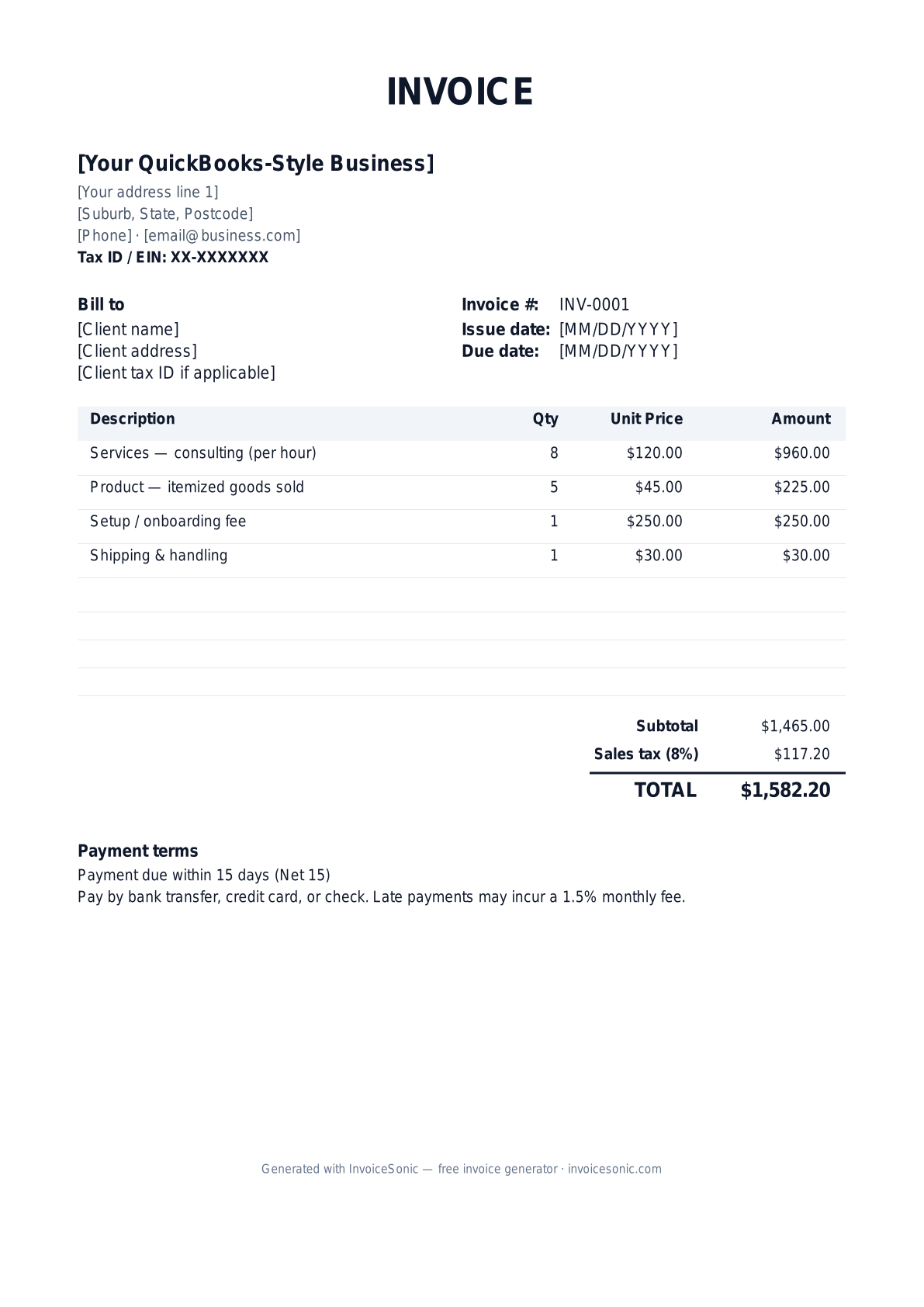
Download the quickbooks-style invoice template
Or build it online in 60 seconds
Use InvoiceSonic's free generator — auto-calculate tax, prefill your details, and email the PDF straight to your client. No formatting needed.
Try the live generator →What's on the quickbooks-style invoice template
| Description | Qty | Unit price | Amount |
|---|---|---|---|
| Services — consulting (per hour) | 8 | $120.00 | $960.00 |
| Product — itemized goods sold | 5 | $45.00 | $225.00 |
| Setup / onboarding fee | 1 | $250.00 | $250.00 |
| Shipping & handling | 1 | $30.00 | $30.00 |
| Subtotal | $1,465.00 | ||
| Sales tax (8%) | $117.20 | ||
| Total | $1,582.20 | ||
Example figures — every field is editable in the download.
Who uses this template
- ✓Small business owners not yet on QuickBooks
- ✓Freelancers wanting a familiar invoice look
- ✓Bookkeepers preparing client invoices
- ✓Businesses tracking products and services
- ✓Anyone migrating to or from QuickBooks
What to include
- ✓Business name, logo, and address
- ✓Customer name and billing/shipping address
- ✓Invoice number, date, and terms
- ✓Itemized products and services with rates
- ✓Subtotal, sales tax, and balance due
- ✓Payment terms (Net 15 / Net 30)
- ✓Memo / notes to the customer
Available in 5 formats
Word (.docx)
Fully editable in Microsoft Word, Google Docs, Apple Pages and LibreOffice — best for quick text edits.
Excel (.xlsx)
Line totals, subtotal and tax calculate automatically — best if you want the math done for you.
A clean, print-ready, fixed layout — best for emailing a finished invoice to a client.
Google Docs / Sheets
Open in your browser, then File → Make a copy to edit and share with your team.
Invoicing tips for quickbooks-style
- ✓ Mirror QuickBooks fields (Product/Service, Rate, Qty, Amount) so data maps cleanly later
- ✓ Use consistent invoice numbering so you can import history into QuickBooks without conflicts
- ✓ Separate taxable products from non-taxable services for accurate sales tax
- ✓ Add a memo line for PO numbers or job references your client tracks
- ✓ Export to PDF for sending and keep the spreadsheet as your importable record
QuickBooks-Style invoice FAQ
Do I need a QuickBooks subscription to use this template?
No. This template gives you the QuickBooks-style invoice layout for free in Word, Excel, and Google formats — no subscription required. You can upgrade to QuickBooks later if you choose.
Can I import these invoices into QuickBooks?
If you keep the spreadsheet version with consistent fields and invoice numbers, you can map the data when importing into QuickBooks Online or Desktop, though formats may need light cleanup.
How should I number my invoices?
Use a simple sequential scheme (e.g. 1001, 1002) and never reuse a number. This keeps your records clean and avoids conflicts if you later migrate to accounting software.
Does the template calculate sales tax?
The Excel and Google Sheets versions include formulas that calculate the subtotal, sales tax, and total automatically as you enter line items.
Related invoice templates
Prefer a specific format? Word invoice template · Excel invoice template · PDF invoice template · Google Docs invoice template · All invoice templates