Free Social Media Invoice Template Invoice Template
A free, professional social media invoice template for social media managers, content creators, and agencies who bill for management, content, and ad spend. Download it as Word, Excel, PDF, Google Docs, or Google Sheets and itemize monthly retainers, content packages, and paid-ad management on one clean invoice. Add your rates and Net 15 terms and bill clients without the awkward back-and-forth.
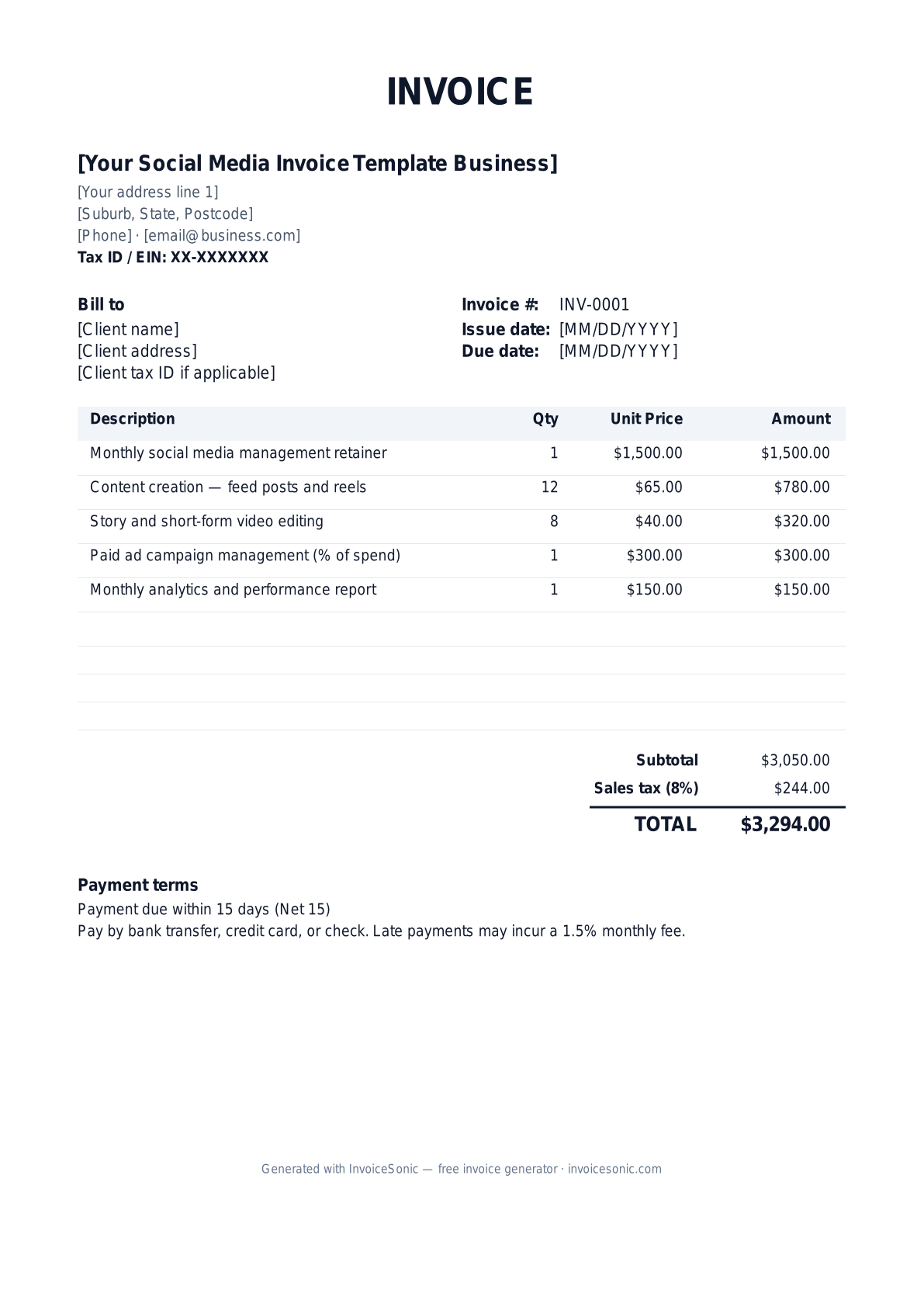
Download the social media invoice template invoice template
Or build it online in 60 seconds
Use InvoiceSonic's free generator — auto-calculate tax, prefill your details, and email the PDF straight to your client. No formatting needed.
Try the live generator →What's on the social media invoice template invoice template
| Description | Qty | Unit price | Amount |
|---|---|---|---|
| Monthly social media management retainer | 1 | $1,500.00 | $1,500.00 |
| Content creation — feed posts and reels | 12 | $65.00 | $780.00 |
| Story and short-form video editing | 8 | $40.00 | $320.00 |
| Paid ad campaign management (% of spend) | 1 | $300.00 | $300.00 |
| Monthly analytics and performance report | 1 | $150.00 | $150.00 |
| Subtotal | $3,050.00 | ||
| Sales tax (8%) | $244.00 | ||
| Total | $3,294.00 | ||
Example figures — every field is editable in the download.
Who uses this template
- ✓Social media managers
- ✓Content creators and influencers
- ✓Digital marketing agencies
- ✓Community managers
- ✓Freelance social strategists
What to include
- ✓Client/brand name and account handles
- ✓Billing period or campaign covered
- ✓Monthly retainer or package fee
- ✓Content deliverables (posts, reels, stories)
- ✓Ad-management fee and ad-spend pass-through
- ✓Reporting and strategy add-ons
- ✓Net 15 terms and accepted payment methods
Available in 5 formats
Word (.docx)
Fully editable in Microsoft Word, Google Docs, Apple Pages and LibreOffice — best for quick text edits.
Excel (.xlsx)
Line totals, subtotal and tax calculate automatically — best if you want the math done for you.
A clean, print-ready, fixed layout — best for emailing a finished invoice to a client.
Google Docs / Sheets
Open in your browser, then File → Make a copy to edit and share with your team.
Invoicing tips for social media invoice template
- ✓ Separate your management fee from client ad spend so it is clear which dollars go to the platforms versus to you
- ✓ Itemize content deliverables by type (feed post, reel, story) so clients see the volume they are getting
- ✓ If you bill ad management as a percent of spend, show the spend and the percentage on the invoice
- ✓ Send retainer invoices at the start of the month so cash flow stays ahead of the work
- ✓ Include a quick analytics summary or a link to the report to reinforce the value behind the fee
Social Media Invoice Template invoice FAQ
Is social media management subject to sales tax?
In most states, digital marketing and advertising services are not subject to sales tax, but a handful tax advertising or digital services. Confirm your state's rules and tax only the lines that qualify.
How should I handle client ad spend on an invoice?
Keep ad spend separate from your management fee. Either have the client pay the platforms directly, or list ad spend as a pass-through line and your management fee as its own line so the markup is transparent.
Will agency clients send me a 1099?
Yes. Business clients paying you $600 or more in a year will request a W-9 and issue a 1099-NEC unless you are taxed as a corporation. Keep your EIN or SSN ready for onboarding.
What payment terms work for a monthly retainer?
Retainers are usually billed upfront at the start of the month with Net 15 terms, or auto-charged on a card. Billing in advance protects your cash flow since the work spans the whole period.
Related invoice templates
Prefer a specific format? Word invoice template · Excel invoice template · PDF invoice template · Google Docs invoice template · All invoice templates