Invoice App for iPhone
The invoice can leave the job when you do.
InvoiceSonic is a native invoice app for iPhone and iPad, built for small business owners and freelancers who want to create the bill where the work happened. Download it from the App Store, add the client and line items in a few taps, and send a professional invoice before you get back in the van. The same account works on the web, so outstanding invoices, payment reminders and your client list are there when you sit down at a desk.
Native iOS app · iPhone and iPad · Free to start · Same account on the web
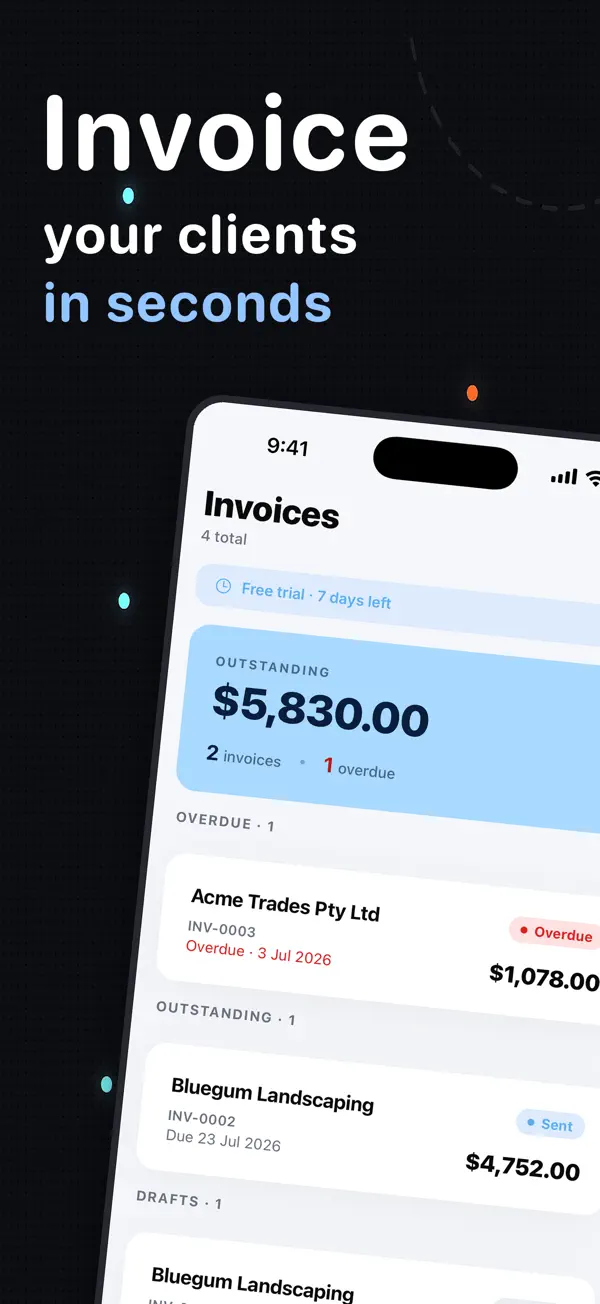
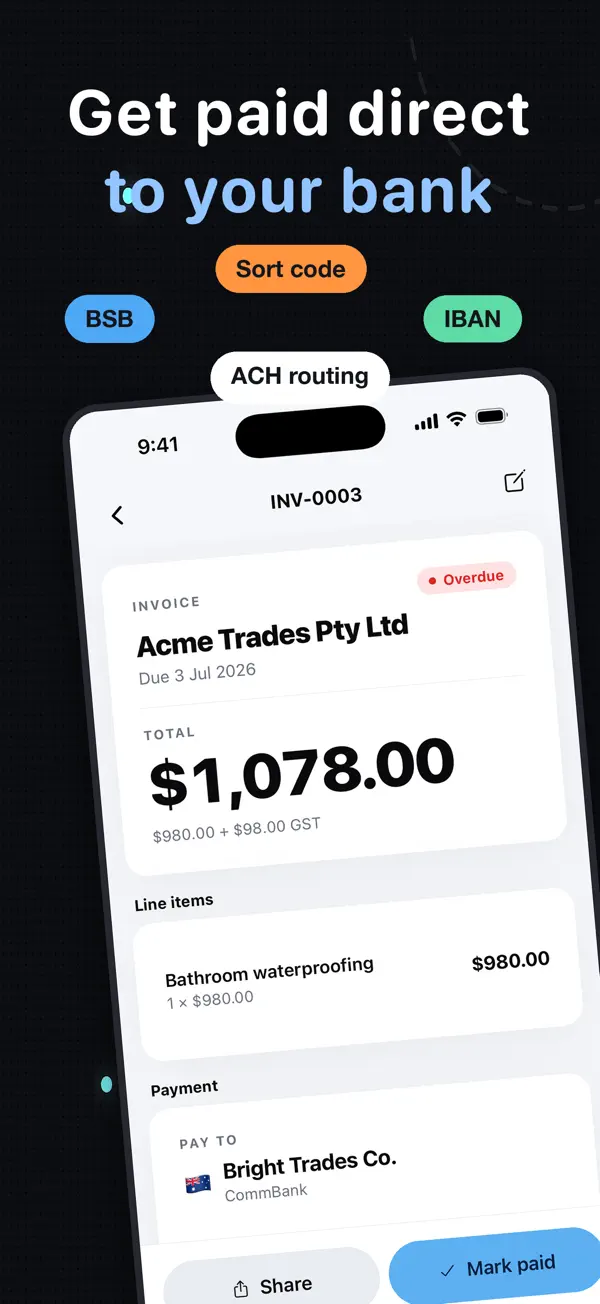
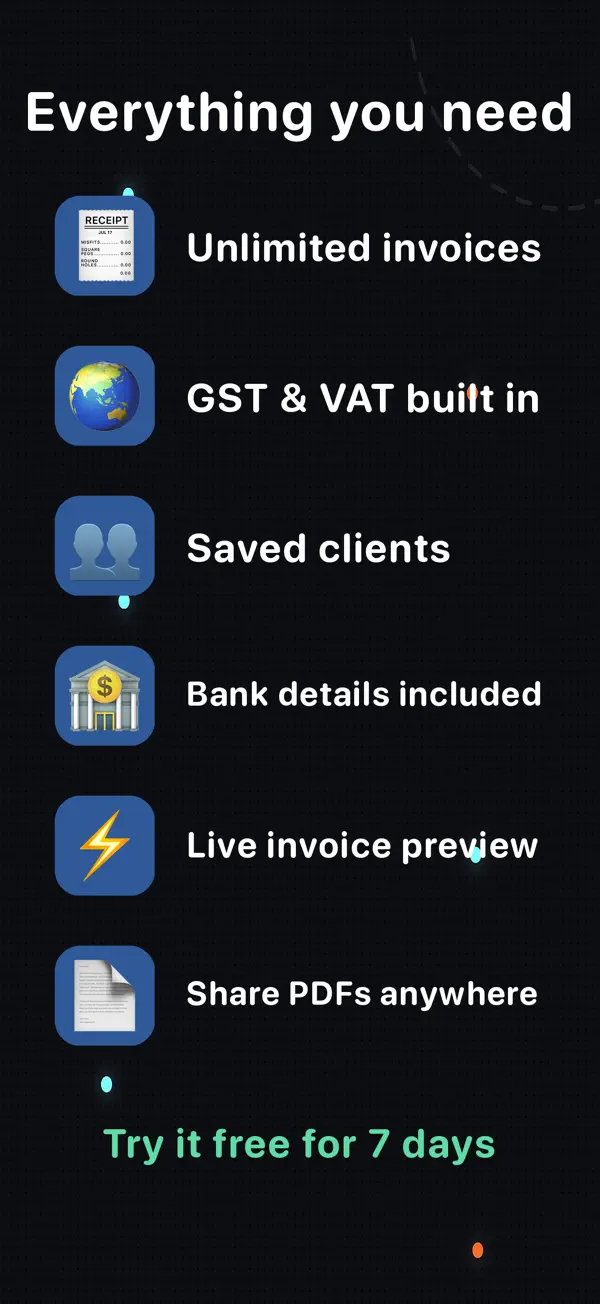
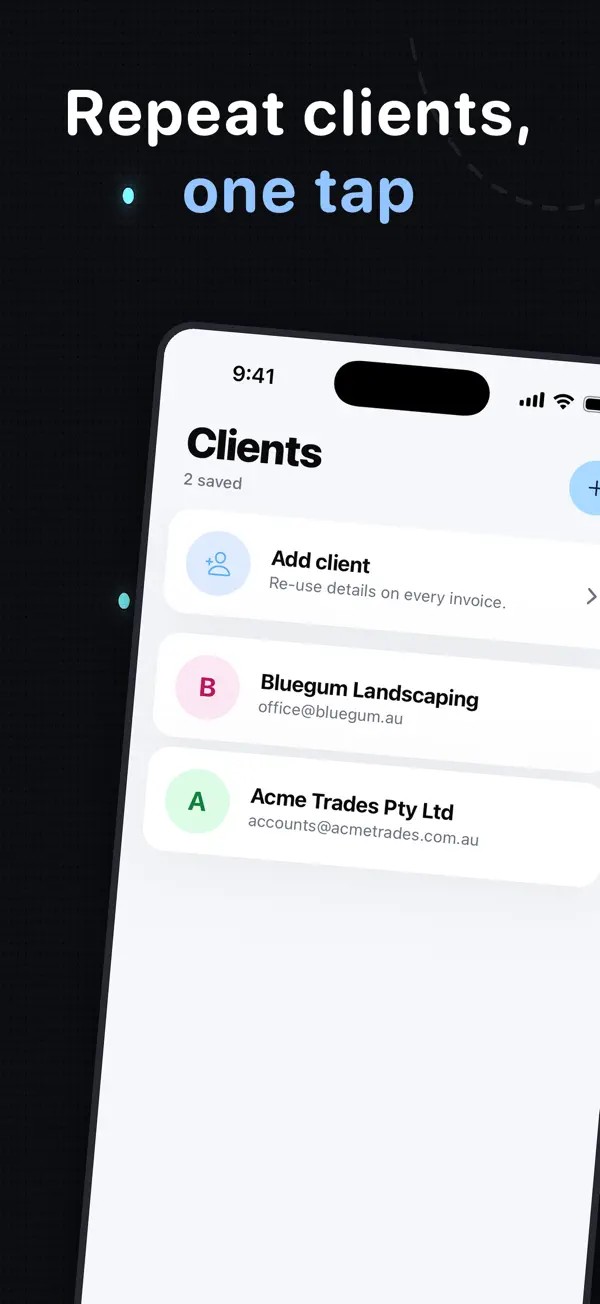
Actual screenshots from the InvoiceSonic iPhone app on the App Store
Download the official iOS app — Use the storefront-neutral App Store link below. Apple will open the correct local listing for your country.
Create your invoice here — free
Enter the actual job details, review the totals and preview your invoice. You can start without an account. Downloads follow the free-tool limits; saving, tracked sending and reminders are available with an account.
Create your invoice online
What you get
Designed for the iPhone screen
Create a complete invoice on a phone without zooming around a desktop form. Client, line items, tax, due date and payment details fit the screen, and the total updates as you go.
Invoice from the job in a few taps
Enter labour, products, materials and tax before details get lost in end-of-day notes. Freelancers and small businesses that invoice on site get paid noticeably sooner than those who invoice at the weekend.
iPad support
Use the same native mobile app and account on iPad when you want more room to review line items, invoice templates and totals.
Professional invoices, delivered from the phone
Email the PDF or share a link with a clear amount, due date and payment instructions. Add your logo once and every invoice carries it.
Online payments without a processor's cut
Put bank transfer, PayID, Venmo, Zelle, Cash App or PayPal on the invoice. Clients can pay by credit card through those services; InvoiceSonic never takes a percentage.
Outstanding invoices and payment reminders
See which invoices are sent, opened, due or late from the app. On Pro, overdue invoices trigger automatic payment reminders, so late payments stop depending on you remembering.
Cross-device records
Continue with the same saved clients, invoices and expense of admin on the InvoiceSonic web app on a computer — nothing lives only on the phone.
How it works
-
1
Install from the App Store
Open the official Invoice Sonic: Invoice Maker listing on iPhone or iPad and install the app. It is free to download and free to create invoices.
-
2
Create the invoice
Add the client, work, tax, due date and payment details, then review the total on the device — a few taps, not a form.
-
3
Send and track
Deliver the invoice immediately and use the app or web account to watch outstanding invoices until payment.
Get InvoiceSonic for iPhone
Install the official app and send the next invoice from the job.
Download on the App StoreFrequently asked questions
Is InvoiceSonic available on the iPhone App Store?
Yes. Invoice Sonic: Invoice Maker is available for iPhone and iPad from the official App Store listing linked on this page.
Is the iPhone invoice app free?
Yes to start: creating and downloading invoices is free, with up to three invoices a month on the free plan and no card required. Pro (A$19/month) adds unlimited invoices, recurring billing, open tracking and automatic reminders.
Can I create and send an invoice entirely on iPhone?
Yes. Add the client, line items, tax, terms and payment details, then generate and send the professional invoice without returning to a desktop.
How does it compare with Invoice Simple, Invoice2go or Zoho's iPhone app?
Invoice Simple is the most polished pure-mobile app but caps the free tier after a few invoices. Invoice2go is subscription-only. Zoho Invoice is free with more setup. InvoiceSonic gives you a free first invoice with no signup, a free monthly plan, and — unlike apps that earn from card processing — no cut of your payments.
Does the iPhone app sync with the web app?
Yes. Use the same InvoiceSonic account to access saved clients, invoices and settings on iOS and the web.
What about Android?
Android users can use the responsive InvoiceSonic web app in Chrome and add it to the home screen. The native store app described here is for iPhone and iPad.
Related tools & guides
Invoice app · Best invoice app for iPhone · Best invoice app · Mobile invoice app · Simple invoice app · Invoice app for freelancers