Best Invoice App for iPhone
Invoice from the driveway, not the desk.
The best invoice app for iPhone is the one you will actually open standing in someone's driveway: fast, usable in a few taps, and willing to send an invoice before you have signed up for anything. Small businesses and freelancers usually shortlist the same handful of mobile apps from the App Store — InvoiceSonic, Invoice Simple, Square Invoices, Zoho Invoice and QuickBooks — so this page sets them side by side on what matters on a mobile device: speed to the first invoice, how clients pay, payment reminders, and what each really costs.
Updated 2026 · iPhone & iPad · Free to try, no signup
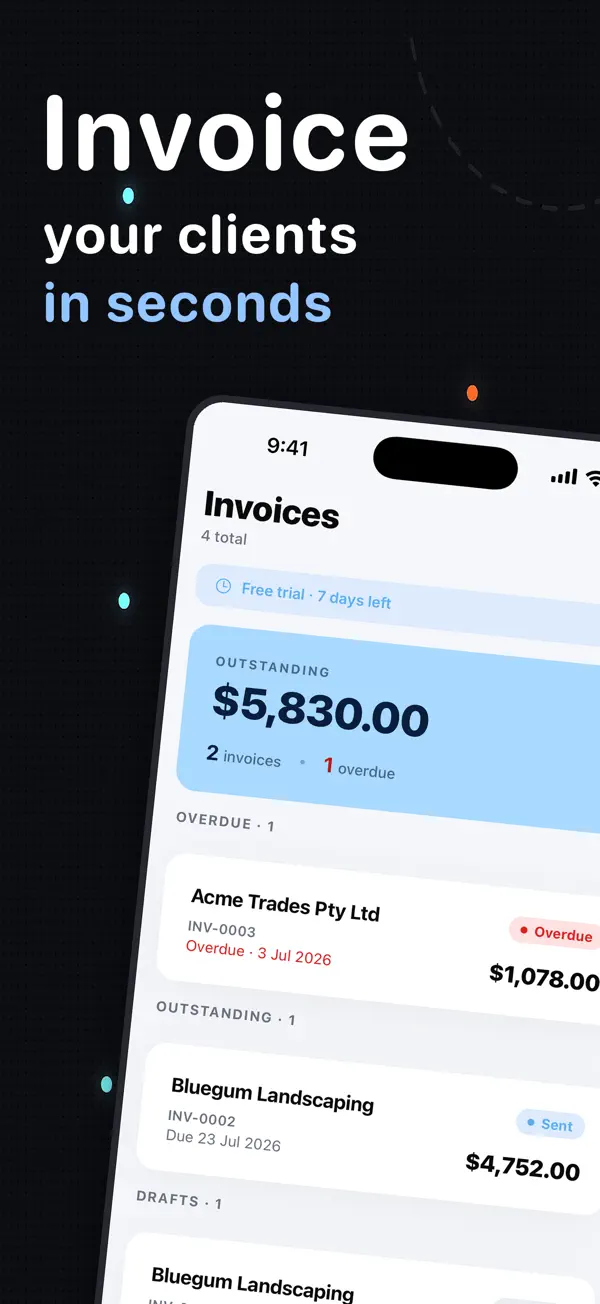
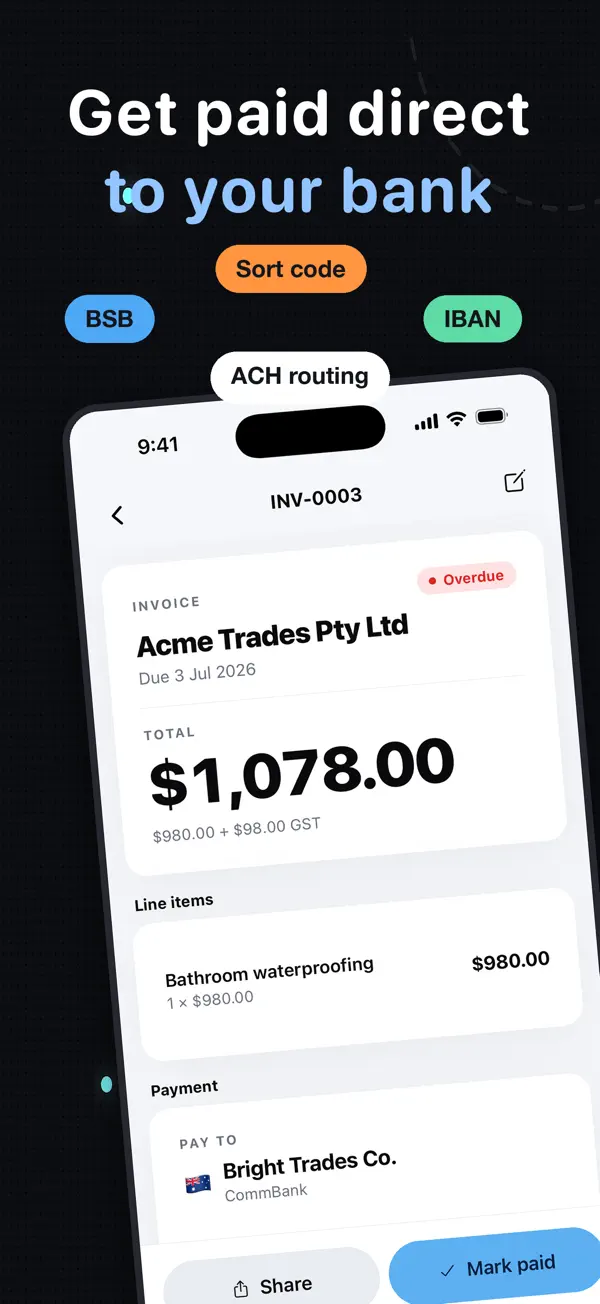
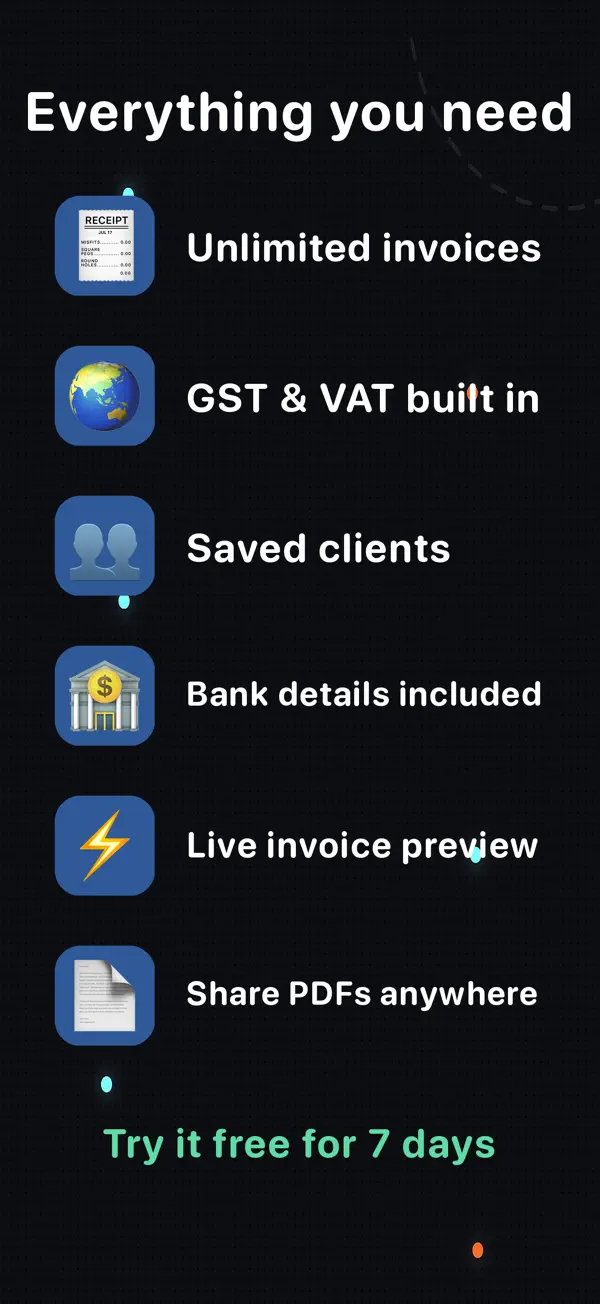
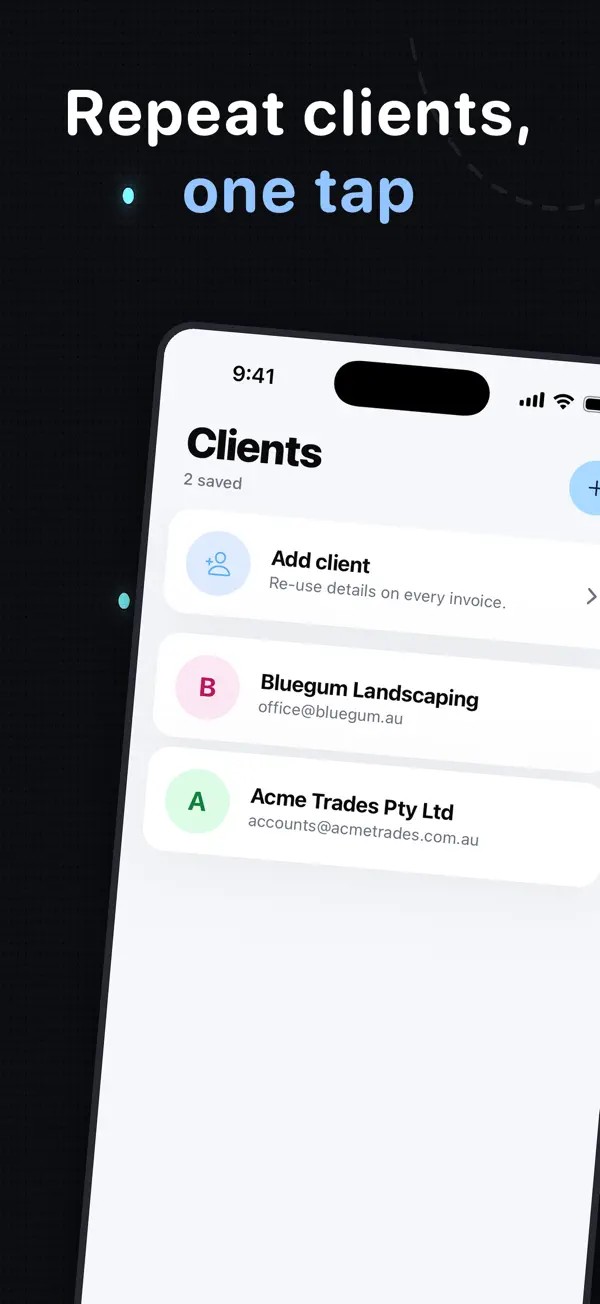
Actual screenshots from the InvoiceSonic iPhone app on the App Store
The short answer — InvoiceSonic has a native iPhone and iPad app and a browser version that share one account — start an invoice on site, finish it at the desk. It is free to create invoices and takes no percentage of your payment. If you already take card payments through Square, Square Invoices is the natural pick; if you want the largest free feature set and don't mind setup, Zoho.
Create your invoice here — free
Enter the actual job details, review the totals and preview your invoice. You can start without an account. Downloads follow the free-tool limits; saving, tracked sending and reminders are available with an account.
Create your invoice online
What you get
InvoiceSonic — free, native iOS, no percentage taken
Native iPhone and iPad app plus a full browser version on the same account. Free to create and download professional invoices, three a month free with an account, A$19/month for emailing, recurring invoices and payment reminders. We never process your payment, so we never take a cut — clients pay by bank transfer, PayID, Venmo or Zelle. Weakness: no expense or accounting features.
Invoice Simple — best pure mobile experience
A polished, long-established iPhone invoicing app with a large invoice template library. Subscription-based, with invoice limits on the free tier, and card payments through a processor at standard rates.
Square Invoices — best if you take cards on the go
Excellent iPhone app and card handling, including Tap to Pay. Free to send invoices, but it earns a percentage of each credit card payment — the app is free because the processing isn't.
Zoho Invoice — best free feature set
A capable free iOS app with expense tracking and a client portal, if you are comfortable in the Zoho ecosystem. More setup than the simpler invoicing apps; online payments through third-party gateways.
QuickBooks — best if you already use QuickBooks
The mobile app is a companion to the accounting product rather than a standalone invoice app, and priced accordingly. Right if your bookkeeper lives in QuickBooks; expensive if you only send invoices.
Web apps on the home screen
Several products are browser-only and rely on you adding them to your home screen. That works on iPhone, but it is not the same as a native app from the App Store and it usually will not behave offline.
How it works
-
1
Install it and add your details once
Enter your business name, tax number, logo and how you want to be paid. Every later invoice reuses them — a few taps instead of a form.
-
2
Invoice from the job, not the office
Build the invoice while you are still on site. Invoices sent the same day are paid materially faster than ones sent at the weekend, which is the whole point of doing it on an iPhone.
-
3
Pick up on the laptop if you need to
The web version shares the same account, so anything started on the iPhone can be finished on a bigger screen, and outstanding invoices are visible from both.
How to test an iPhone invoice app in three simple steps
Before committing to a subscription, run the same ten-minute test on each app you shortlist. It tells small business owners more than any feature list.
- Make a real invoice
- Client, three line items, tax and your preferred payment method. Count the taps and note whether you had to sign up first.
- Send it to yourself
- Open the PDF on your phone the way a client would. Is the amount due obvious? Are the payment instructions clear? Is there a watermark?
- Work out the real cost
- Subscription plus invoice caps plus any percentage taken on payments. On $60,000 a year of invoices, a 2.9% processing cut is $1,740 — far more than any app's subscription, and a real dent in small business cash flow.
Takeaway: The app that passes all three is the one that will still be on your home screen in six months.
Get it on your phone
Download the iPhone app, or start free in your browser — same account either way.
Create a free invoiceFrequently asked questions
Which invoice app is best on iPhone?
InvoiceSonic if you want a native iPhone app that is free to create invoices and takes no percentage of your payment — the same account also works in a browser. Invoice Simple is the most polished pure-mobile option. Square Invoices is the right choice if you want to take card payments on the go, though it charges a percentage of each payment. Zoho Invoice has the largest free feature set.
Is there a free invoice app for iPhone?
Yes. InvoiceSonic is free to create and download invoices, with no signup required for your first one and no watermark. Zoho Invoice also has a genuinely capable free tier. Most other free apps either cap invoices per month or earn from payment processing.
Can I send an invoice from my iPhone?
Yes. Build the invoice in the app, download the PDF or email it directly. Sending from the job rather than back at the office is the single easiest change that gets invoices paid sooner and keeps cash flow steady.
Which iPhone invoice apps chase late payments for you?
InvoiceSonic, Zoho Invoice, Square and QuickBooks all send automatic payment reminders. Expense tracking is where they split: Zoho and QuickBooks include it; InvoiceSonic and Invoice Simple focus on invoicing and leave expenses to your accounting software.
Does the iPhone app work with the web version?
Yes — InvoiceSonic's iOS app and web app use the same account, so an invoice started on your iPhone can be finished on your laptop, and your clients and settings are shared.
Is there an invoice app for Mac?
InvoiceSonic runs in any browser on macOS, so there is nothing to install. The iPhone and iPad app covers mobile, and both use the same account.
Related tools & guides
Invoice app for small business · Invoice app for iPhone · Free invoice generator · Invoice app Australia · Free receipt template · Venmo invoice template · Payment fee calculator