Mobile Invoice App
Finish the work. Send the invoice before you leave.
InvoiceSonic is a mobile invoice app that turns your phone into the place the whole invoice gets finished — not a note you still need to type up later. Create the invoice on site, send the PDF, add the way you want to be paid and see what is still outstanding when you are back at a desk. Small businesses use it as a native app on iPhone and iPad or through the mobile browser on Android; either way it is the same invoice maker, the same account and the same professional invoices.
Native iPhone & iPad app · Mobile web for Android · One synced account · No cut of your payments
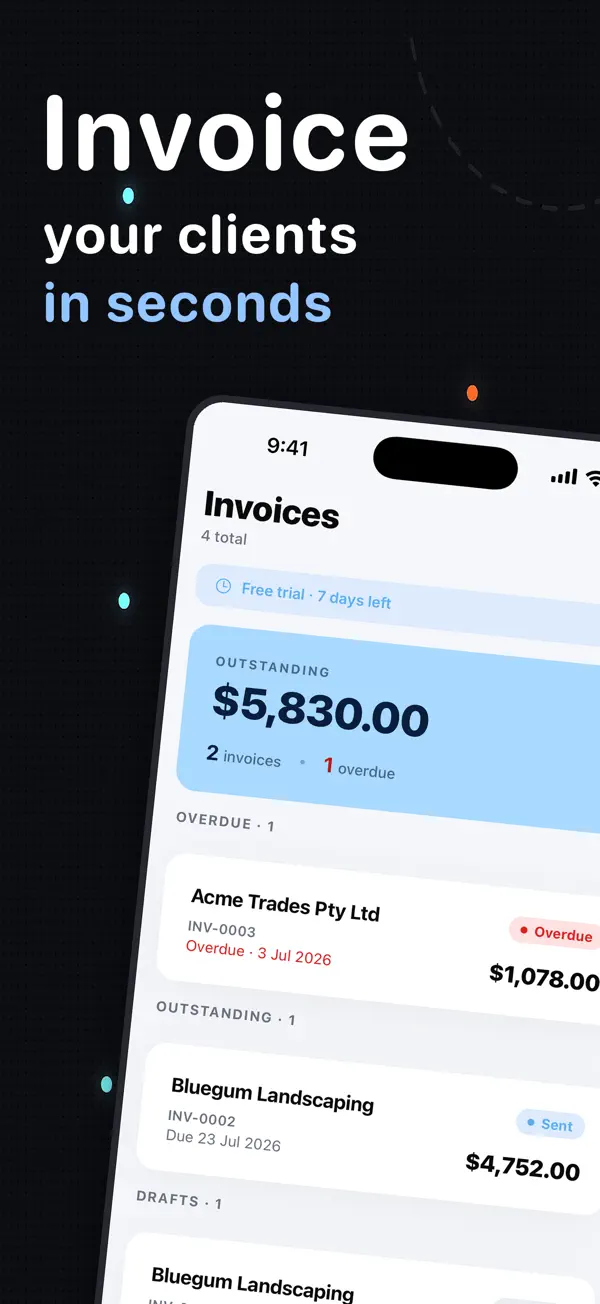
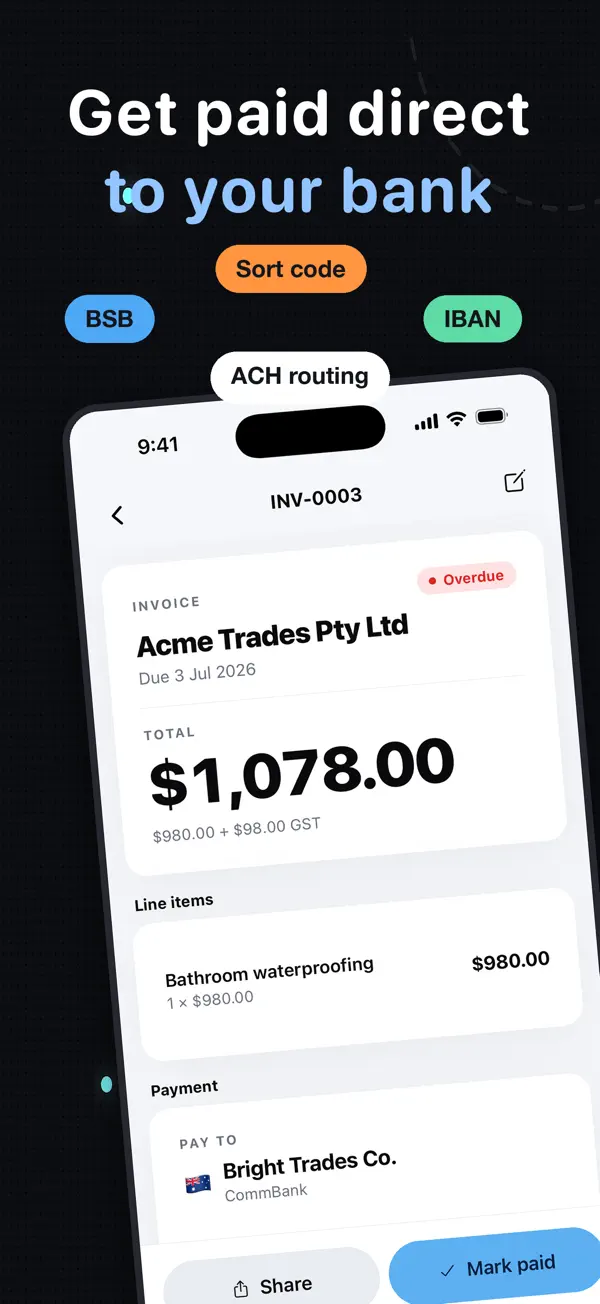
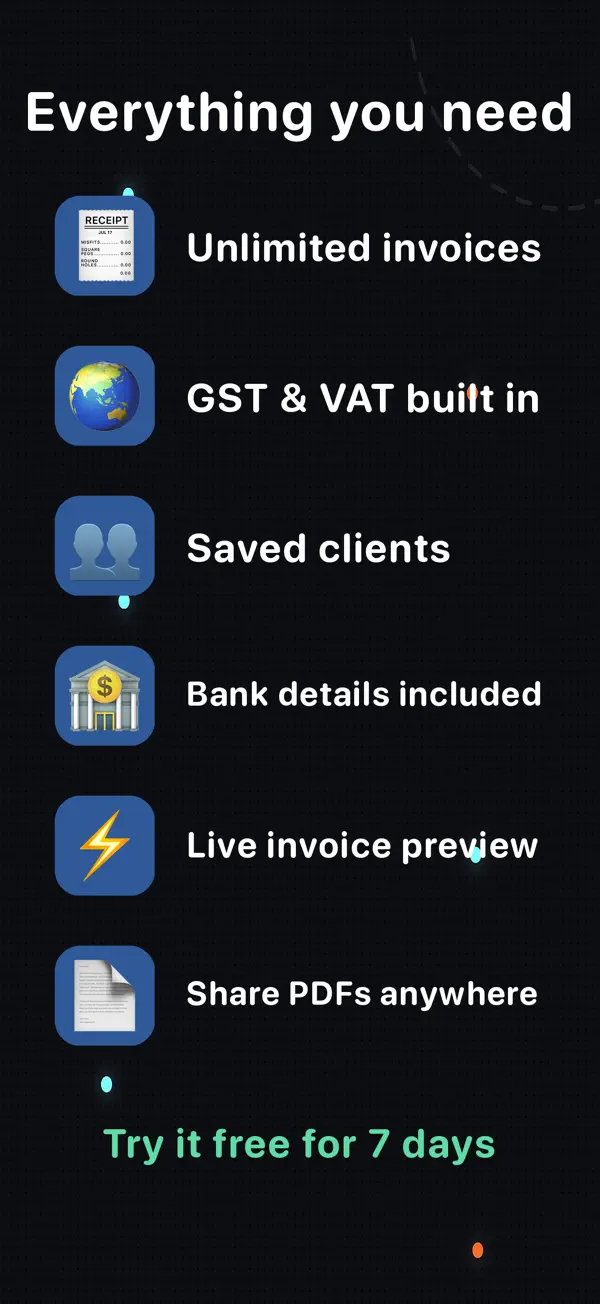
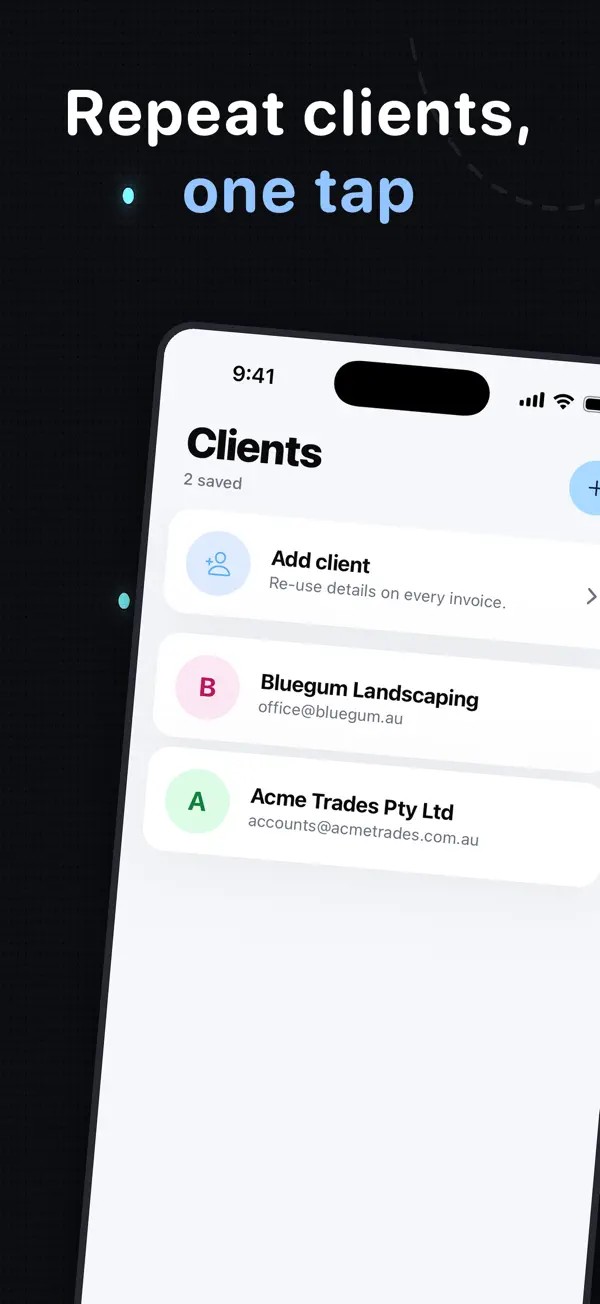
Actual screenshots from the InvoiceSonic iPhone app on the App Store
Native app or mobile browser — Download InvoiceSonic from the App Store on iPhone and iPad, or use the responsive web app on Android and any modern browser. Same invoices, same clients, same settings on every mobile device.
Create your invoice here — free
Enter the actual job details, review the totals and preview your invoice. You can start without an account. Downloads follow the free-tool limits; saving, tracked sending and reminders are available with an account.
Create your invoice online
What you get
Built for a phone screen
Add clients, line items, tax and payment terms in a few clicks without pinching around a desktop form. The first invoice takes about a minute and needs no signup.
Native iOS app
Install InvoiceSonic on iPhone or iPad from the iOS listing for your country. It behaves like an app because it is one — not a website squeezed onto a small screen.
Android through the web
Use the same responsive workflow in Chrome and add it to your Android home screen — no waiting for a separate app.
Send before leaving
Email the invoice or share the PDF while the work and client details are still in front of you. Small business owners who invoice on site get paid noticeably sooner.
Email notifications and real-time status
Know in real time when a client opens the invoice, when it is due and which invoices are overdue — from the phone or the web dashboard.
Online payments on the invoice
Put bank transfer, PayID, Venmo, Zelle, Cash App or PayPal directly on the invoice. Clients can make credit card payments through those apps; InvoiceSonic never takes a percentage.
Phone and web stay together
Start an invoice on site and manage its status later from a laptop using the same account. Saved clients and invoice templates follow you, so the mobile app and the desktop invoicing software are one product, not two.
Reminders for late payments
On Pro, overdue invoices trigger automatic payment reminders, so the invoicing process finishes without you drafting the awkward email.
How it works
-
1
Open the app where the work happened
Use the native iOS app or open InvoiceSonic in your mobile browser. Your saved business and client details are ready.
-
2
Add the job while it is fresh
Enter labour, materials, hours or a fixed fee, then check the automatically calculated tax and total.
-
3
Send and keep moving
Email or share the finished invoice, then track the due date and follow-up from your phone or the web dashboard.
Invoice from your phone today
Use the builder now or install the iPhone and iPad app.
Create a mobile invoiceFrequently asked questions
What is the best invoicing app for a small business on mobile?
Look for an app that can complete the whole workflow on a phone: saved client details, automatic tax and totals, professional PDF delivery, clear payment instructions, open alerts and invoice tracking. The best choice is the one fast enough to use immediately after the job. Invoice Simple and Zoho Invoice are the usual picks; InvoiceSonic's difference is the no-signup first invoice and no cut of your payments.
Is InvoiceSonic available for iPhone?
Yes. InvoiceSonic is available as a native app for iPhone and iPad. The storefront-neutral link opens the correct local listing for your country.
Does it work on Android?
Yes. The web app is responsive and works in Chrome on Android. You can add it to your home screen for app-like access even though the current native release is for iPhone and iPad.
Can I invoice from my phone without signing up?
Yes. You can create and download an invoice in the mobile browser without signing up — the same free invoice generator small businesses use on desktop. An account is needed to save invoices and clients, sync devices, email from the app and track payment.
Does the app do estimates and expense tracking?
Quotes and estimates, yes — the estimate maker uses the same builder and converts to an invoice when the job is won. Expense tracking, no; InvoiceSonic stays focused on invoicing and leaves expenses to your accounting software.
Will invoices made on my phone appear on my laptop?
Yes, when you use the same InvoiceSonic account. Saved clients, invoices and settings are available across the iOS app and web app.
Related tools & guides
Invoice app · Best invoice app for iPhone · Invoice app for iPhone · Invoice app Australia · Invoice app for freelancers · Simple invoice app