Download Your Free Progress Invoice Template Today
Efficiently manage your billing with our free progress invoice template. This professional tool simplifies the invoicing process for progress payments, ensuring you get paid on time. With easy customization options, you can create a polished invoice that reflects your brand. Whether you’re a freelancer or a project manager, our template helps you maintain clear communication with clients. Start using our progress payment invoice template now and streamline your invoicing process. Don’t wait—download it for free and enhance your billing efficiency today!
★★★★★ Rated by real users · No signup required · No watermark · Instant PDF download
Create your Download Your Free Progress invoice
Build a clean, itemised download your free progress invoice in your browser — totals calculate themselves, it looks professional, and you can list exactly how you want to be paid. Download a PDF in about 60 seconds, no signup.
Add your business, your client and your line items — totals calculate as you type, then download the PDF.
Create your Download Your Free Progress invoice →Free invoice generator for fast billing
Everything you need to bill like a business — nothing you don't.
Done in 60 seconds
Add your details and line items — totals, tax and formatting are handled for you. Download or send straight away.
No signup to start
Create and download your first invoice with no account, no watermark, no card. Sign up only when you want saved clients and tracking.
Get paid your way
List Download Your Free Progress, bank transfer, or card side by side. Clients pick the free option — you keep 100%.
How to create an invoice online
Three steps from blank page to a professional PDF.
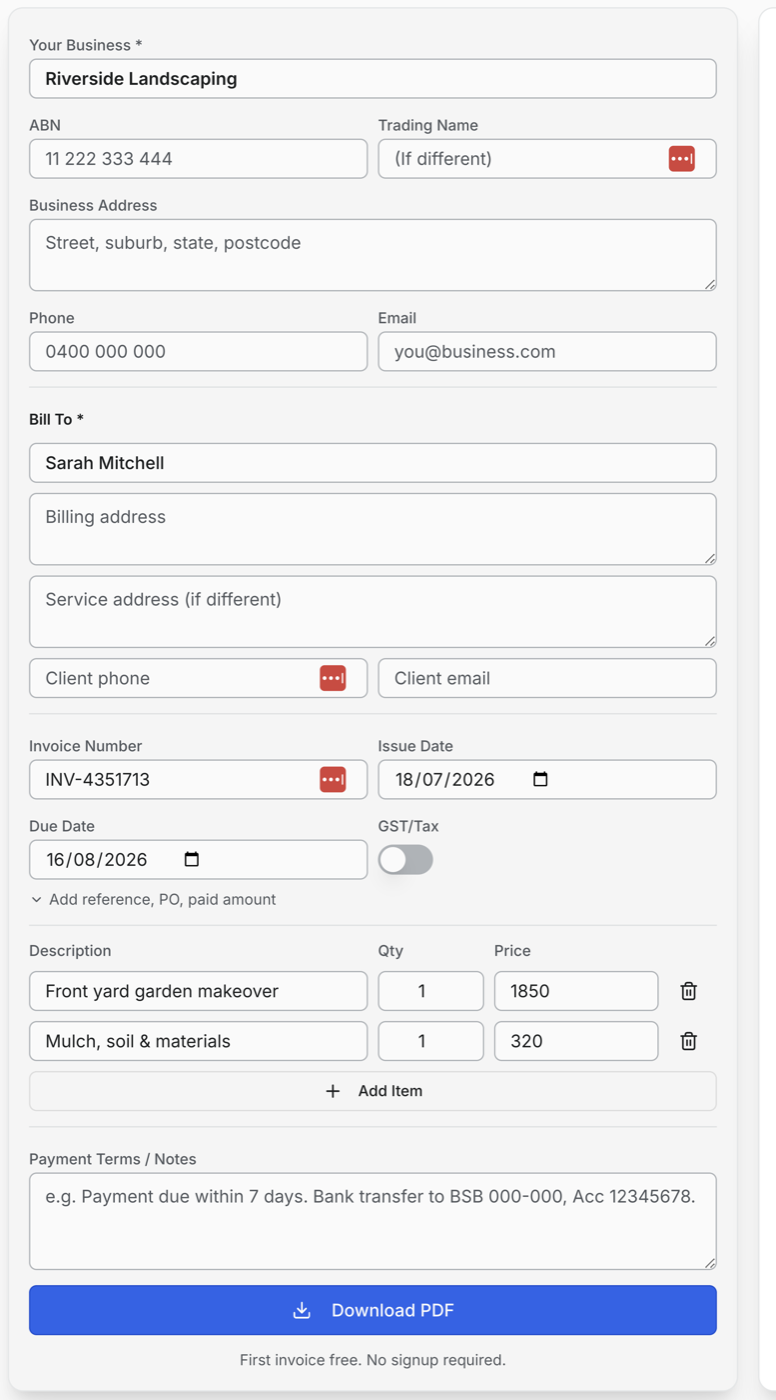
Step 1
Add your business and client details
Fill in who's billing and who's paying — that's the minimum a legally solid invoice needs.
- Your business name & ABN — Shown on the invoice header so clients know exactly who to pay.
- Bill-to client details — Name is enough to start — add billing and service addresses for bigger jobs.
- Invoice number & dates — Auto-generated number, issue date and due date — editable if you have your own system.
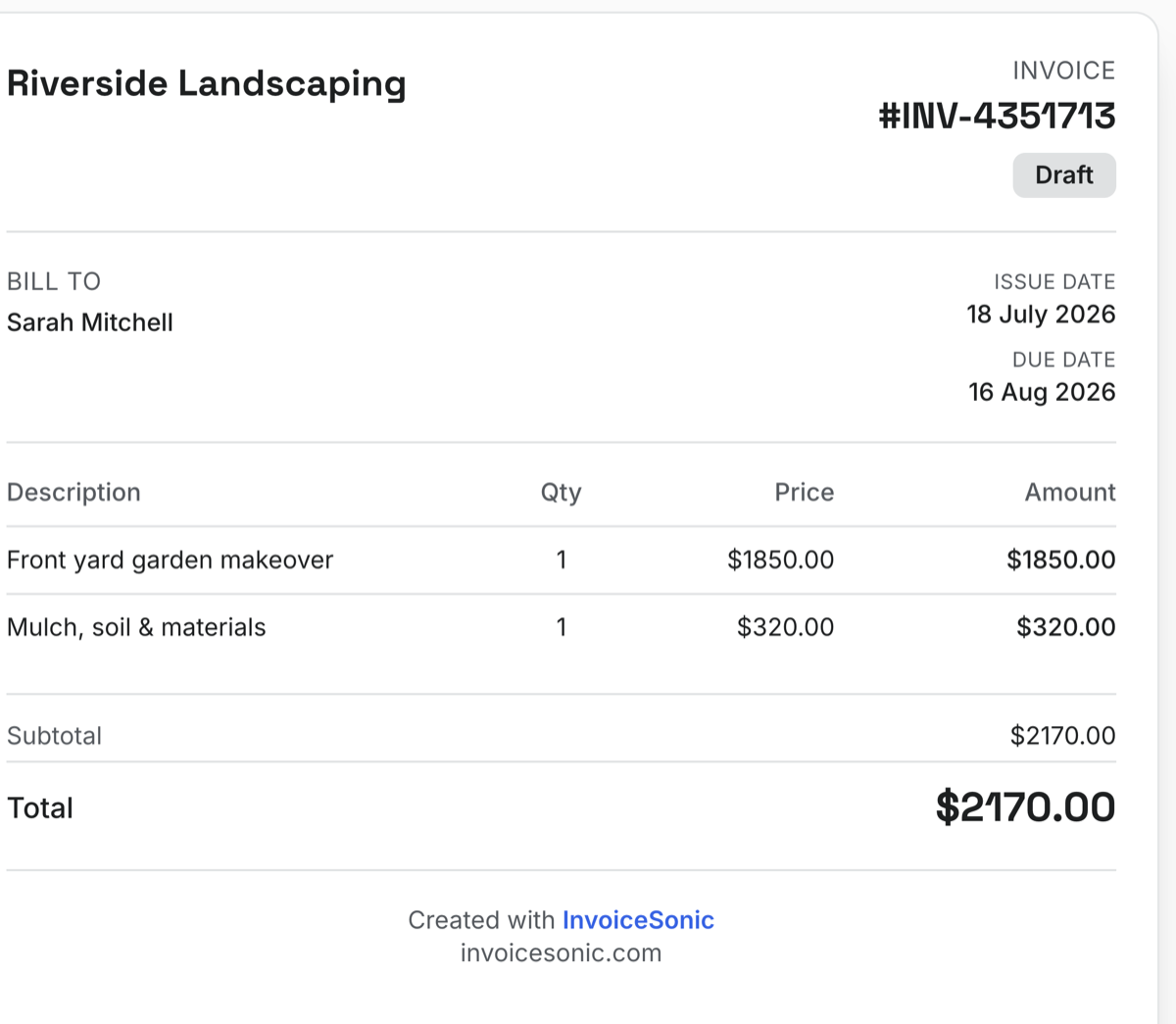
Step 2
Add line items — watch the invoice build itself
Every line you type appears instantly in a live preview of the finished invoice.
- Itemised lines with qty × price — Clear descriptions get approved (and paid) faster than lump sums.
- Totals calculated automatically — Subtotal, GST/tax and total update as you type — no broken spreadsheet formulas.
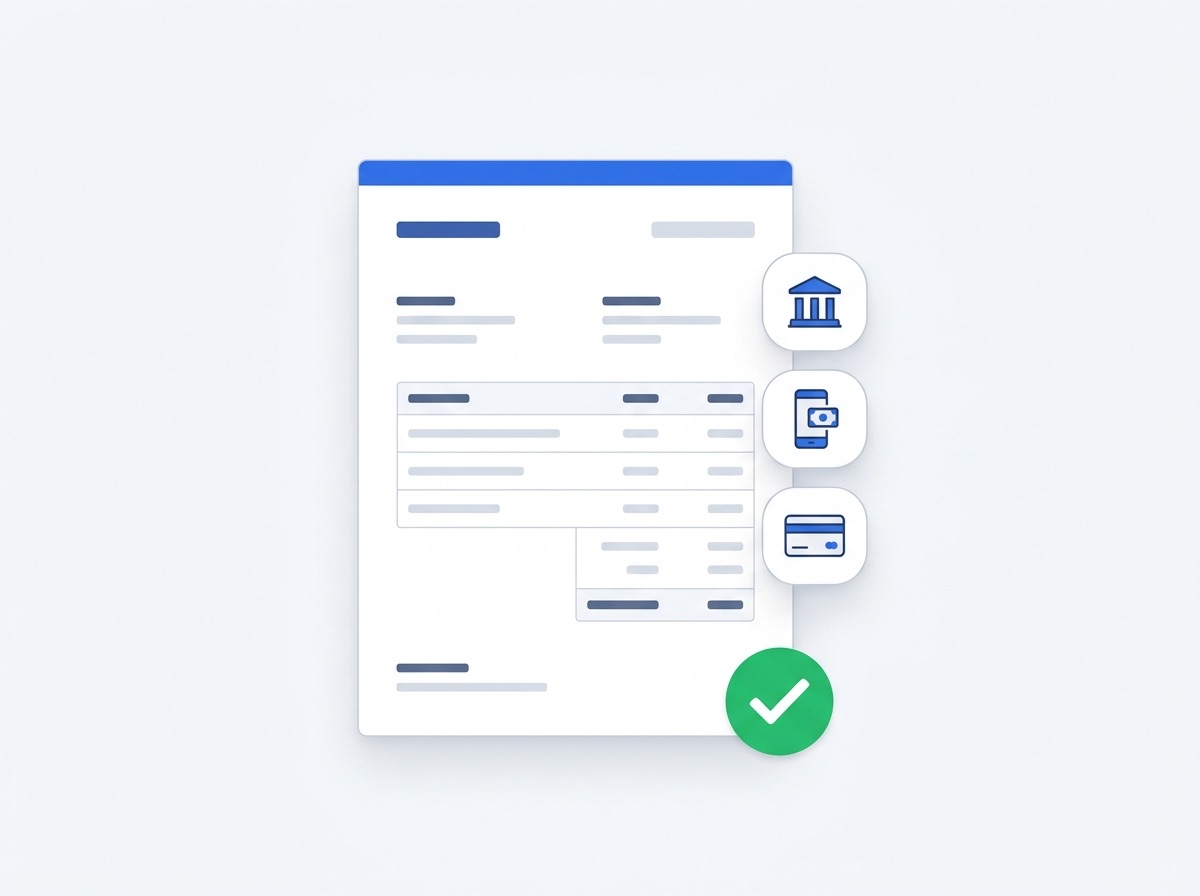
Step 3
Download, send, and get paid
Grab a clean PDF or email it directly. Your payment details go right on the invoice.
- Download Your Free Progress + a free bank option — Offer both — clients who pay by bank cost you 0% in fees.
- Professional PDF, no watermark — A real record for your accountant, tax time, and any dispute.
- Payment terms on every invoice — Due dates and terms set the expectation — and speed up payment.
More than a one-off invoice
The free generator is the start. An InvoiceSonic account adds the tools that keep you paid all year.
Recurring invoices
Bill regular clients automatically — weekly, monthly, or custom.
Client & invoice storage
Every client and invoice saved and searchable — no more digging through Downloads.
Payment methods
Venmo, Cash App, Zelle, PayPal, bank details — saved once, on every invoice.
GST / tax auto-calc
Toggle tax on and the maths is handled, line by line.
Send by email
Email invoices from the app with your details pre-filled.
Templates & branding
Multiple invoice styles with your logo and brand colours.
Fee calculator
See exactly what Venmo, Stripe, PayPal and Square take from every payment.
Track what's owed
Draft, sent, paid — know where every dollar is at a glance.
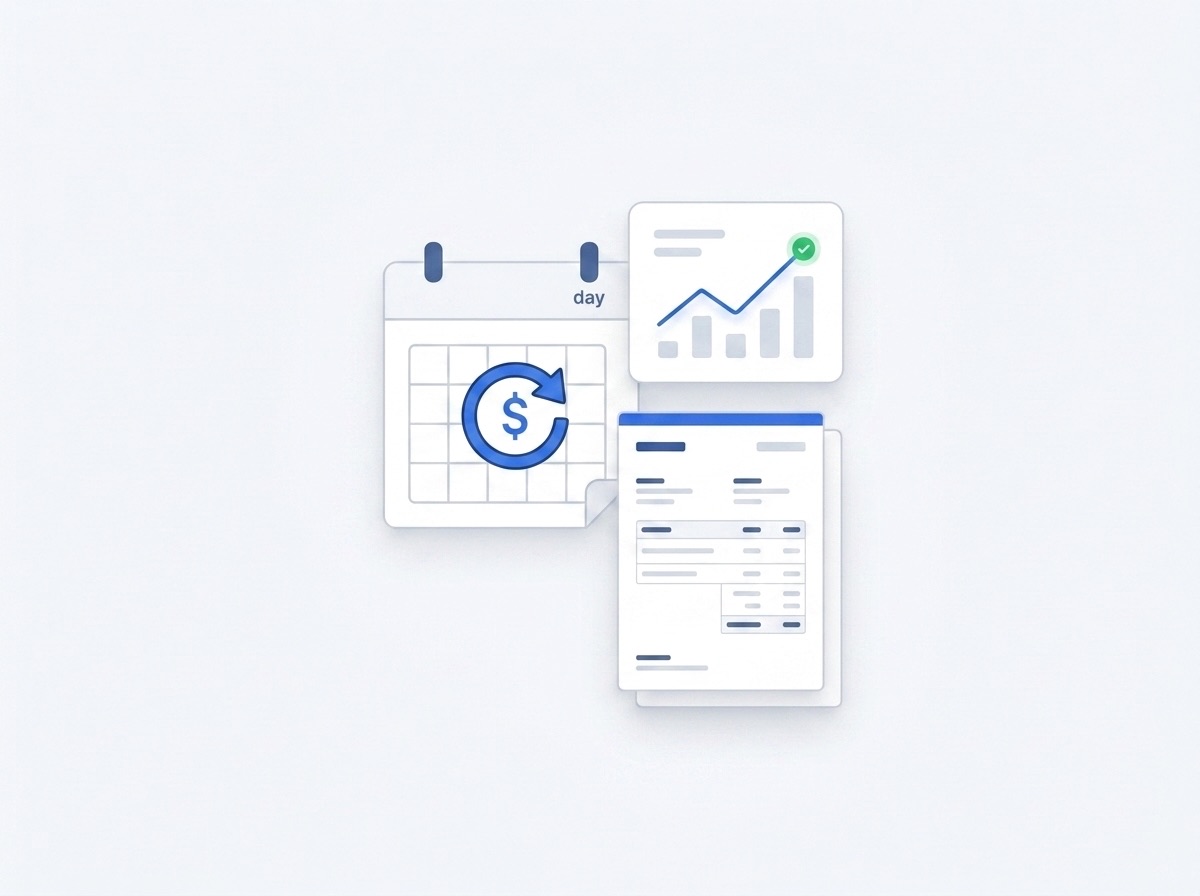
Set it once, get paid every month
Recurring invoices go out on schedule, tracking shows what's outstanding, and reminders chase the money so you don't have to.
- Recurring schedules — Weekly, fortnightly, monthly — the invoice sends itself.
- Outstanding-balance view — One dashboard showing every unpaid invoice and its due date.
- A record of everything — Exports ready for your accountant at tax time.
Free generator vs InvoiceSonic account
Start free forever. Upgrade only when the extra tools pay for themselves.
| Feature | Free generator | InvoiceSonic account |
|---|---|---|
| Professional invoice PDF | ✓ | ✓ |
| No watermark, no signup | ✓ | ✓ |
| GST / tax calculation | ✓ | ✓ |
| Saved clients & invoices | — | ✓ |
| Recurring invoices | — | ✓ |
| Send & track by email | — | ✓ |
| Payment status tracking | — | ✓ |
| Your logo & branding | — | ✓ |
Why Download Your Free Progress alone makes getting paid harder
Word and Excel invoices are fiddly
Reformatting a download your free progress invoice every time, fixing broken totals, and exporting to PDF eats time you'd rather spend working.
They look inconsistent
Mismatched templates and manual maths make a bill look less professional — and slower to get approved and paid.
No easy way to get paid
A static file doesn't tell the client how to pay you, so payment drags.
What to include on your progress invoice template
Australian tax invoices need these fields — our generator adds them automatically.
- ✓ Your business name, address, and ABN (if registered)
- ✓ Client name and billing address
- ✓ Unique invoice number and issue date
- ✓ Clear description of progress invoice services or products
- ✓ Line-item quantities, rates, and subtotal
- ✓ GST amount shown separately (if GST-registered)
- ✓ Total amount due and payment terms
- ✓ Payment details — BSB/account or payment link
How to use this progress invoice template
- ✓ Open the free invoice generator below — fields pre-match a standard progress invoice template
- ✓ Enter your business details and ABN once; they save for future invoices
- ✓ Add client information and line items for the work completed
- ✓ Review GST calculation and payment terms
- ✓ Download PDF or email the invoice directly to your client
Download in your format
Need Word, Excel, PDF, or Google Sheets? Use our free format templates — or create online and download PDF instantly.
Invoicing tools
Get paid your way
Related invoice templates
Same generator, set up for a different job.
More ways people search for this
These searches point to the same free invoice template — pick the wording your clients use.
- ✓ progress payment invoice template
Download Your Free Progress invoice FAQ
How do I make a download your free progress invoice?
Add your business and client details, list your items, and the totals calculate automatically. Download a professional PDF or send it — free, no signup or watermark.
Is it really free?
Yes — create and download as many invoices as you like for free. There's no watermark and no account required to get started.
Create your progress invoice template now
Free PDF download. ABN and GST fields included. No credit card required. Prefer to start from scratch? Use our invoice generator.
Start free — create invoice