Free Security Services Invoice Template
A free, professional security services invoice template available as Word, Excel, PDF, Google Docs, or Google Sheets. Built for security guard companies and patrol services, it bills by guard-hour with separate lines for armed vs. unarmed officers, overtime, supervision, and equipment. Add your license number and post details and send.
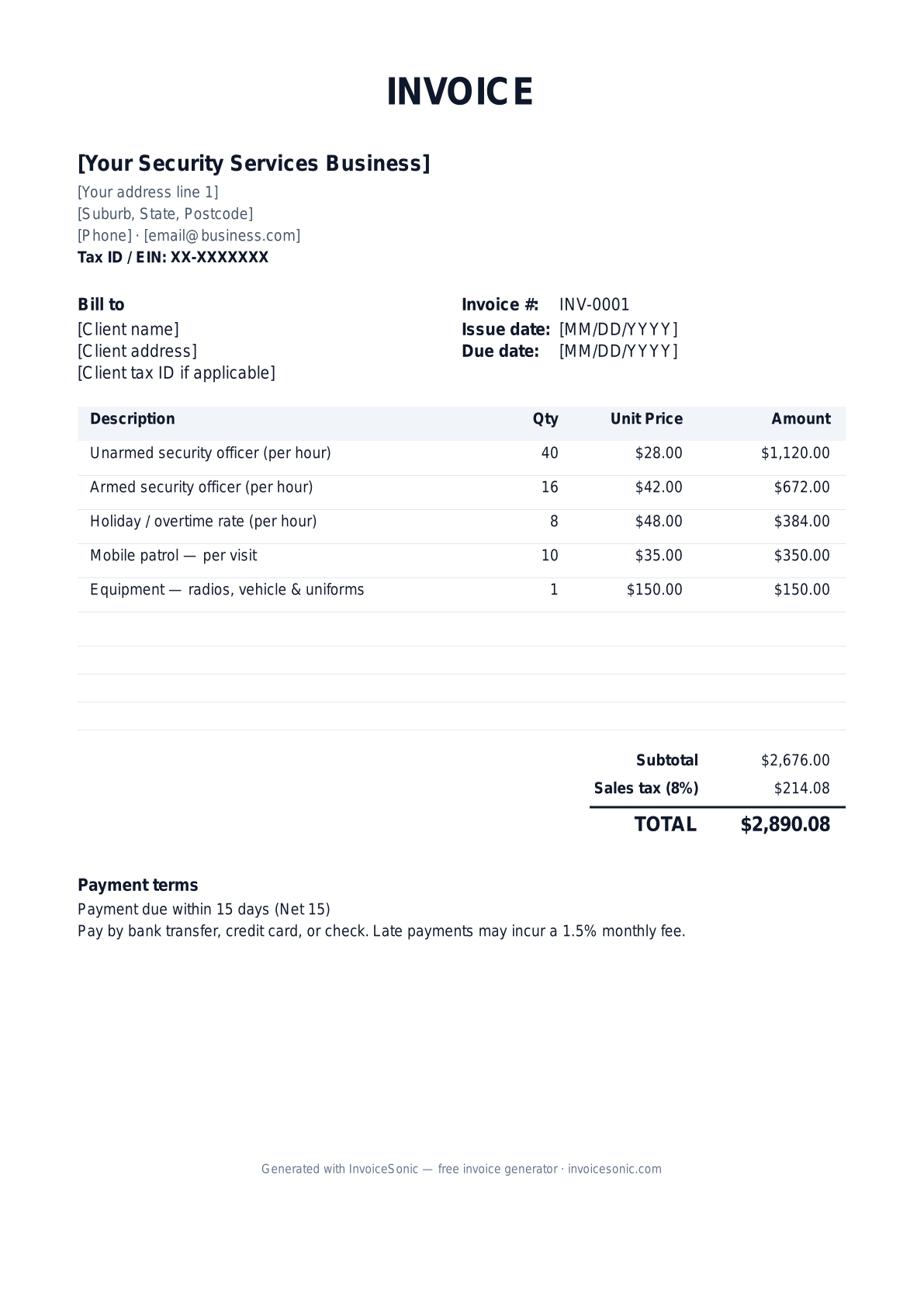
Download the security services invoice template
Or build it online in 60 seconds
Use InvoiceSonic's free generator — auto-calculate tax, prefill your details, and email the PDF straight to your client. No formatting needed.
Try the live generator →What's on the security services invoice template
| Description | Qty | Unit price | Amount |
|---|---|---|---|
| Unarmed security officer (per hour) | 40 | $28.00 | $1,120.00 |
| Armed security officer (per hour) | 16 | $42.00 | $672.00 |
| Holiday / overtime rate (per hour) | 8 | $48.00 | $384.00 |
| Mobile patrol — per visit | 10 | $35.00 | $350.00 |
| Equipment — radios, vehicle & uniforms | 1 | $150.00 | $150.00 |
| Subtotal | $2,676.00 | ||
| Sales tax (8%) | $214.08 | ||
| Total | $2,890.08 | ||
Example figures — every field is editable in the download.
Who uses this template
- ✓Security guard and patrol companies
- ✓Event and concert security providers
- ✓Construction-site and warehouse guards
- ✓Mobile patrol and alarm-response services
- ✓Executive protection firms
What to include
- ✓Client and site/post location
- ✓Billing period and dates covered
- ✓Guard hours by officer type (armed/unarmed)
- ✓Standard vs. overtime/holiday rates
- ✓Number of officers and supervision hours
- ✓Equipment, vehicle, and patrol charges
- ✓State security license / PPO number
Available in 5 formats
Word (.docx)
Fully editable in Microsoft Word, Google Docs, Apple Pages and LibreOffice — best for quick text edits.
Excel (.xlsx)
Line totals, subtotal and tax calculate automatically — best if you want the math done for you.
A clean, print-ready, fixed layout — best for emailing a finished invoice to a client.
Google Docs / Sheets
Open in your browser, then File → Make a copy to edit and share with your team.
Invoicing tips for security services
- ✓ Bill by guard-hour and separate armed from unarmed officer rates
- ✓ Break out overtime and holiday hours at their higher rate so the math is clear
- ✓ Include the post or site location and the dates and shifts covered
- ✓ List your state security license or PPO number on every invoice
- ✓ Itemize equipment and mobile patrol visits apart from standing guard hours
Security Services invoice FAQ
How are security services usually billed?
By the guard-hour, with different rates for armed and unarmed officers and higher rates for overtime, holidays, and supervisory staff. Mobile patrols are often billed per visit.
Should I list my security license number?
Yes. Most states require licensed security providers (often a PPO number), and quoting it on the invoice reassures clients and demonstrates compliance.
How do I handle overtime and holiday rates?
Put overtime and holiday hours on their own line at the premium rate rather than blending them into the standard rate, so the client can see exactly what drove the cost.
Are security services taxable?
Some states tax security and protective services while others don't. Check your state's rules and apply sales tax to the appropriate line items if required.
Related invoice templates
Prefer a specific format? Word invoice template · Excel invoice template · PDF invoice template · Google Docs invoice template · All invoice templates